
Handbook / Power and utilities
Power and utilities
The Clayton power unit, charging, lights, hob, fridge and heater
Clayton power unit4 things to know
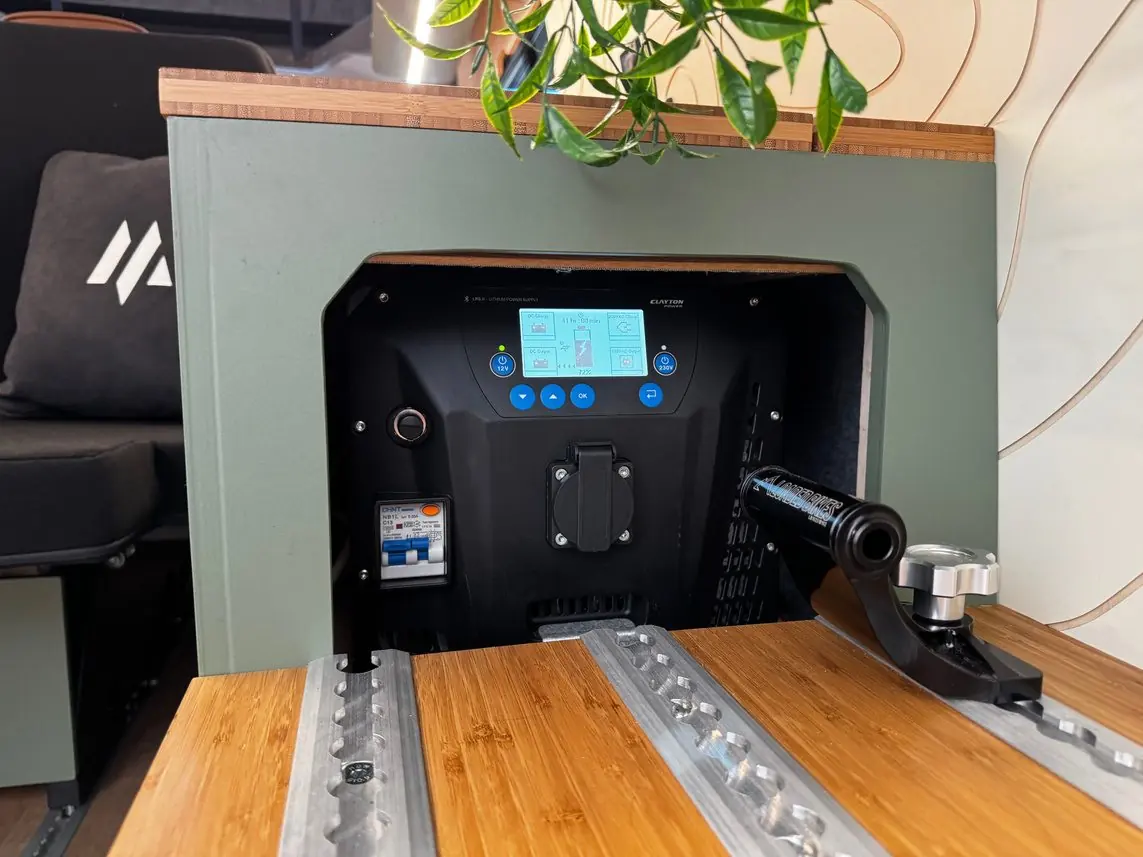
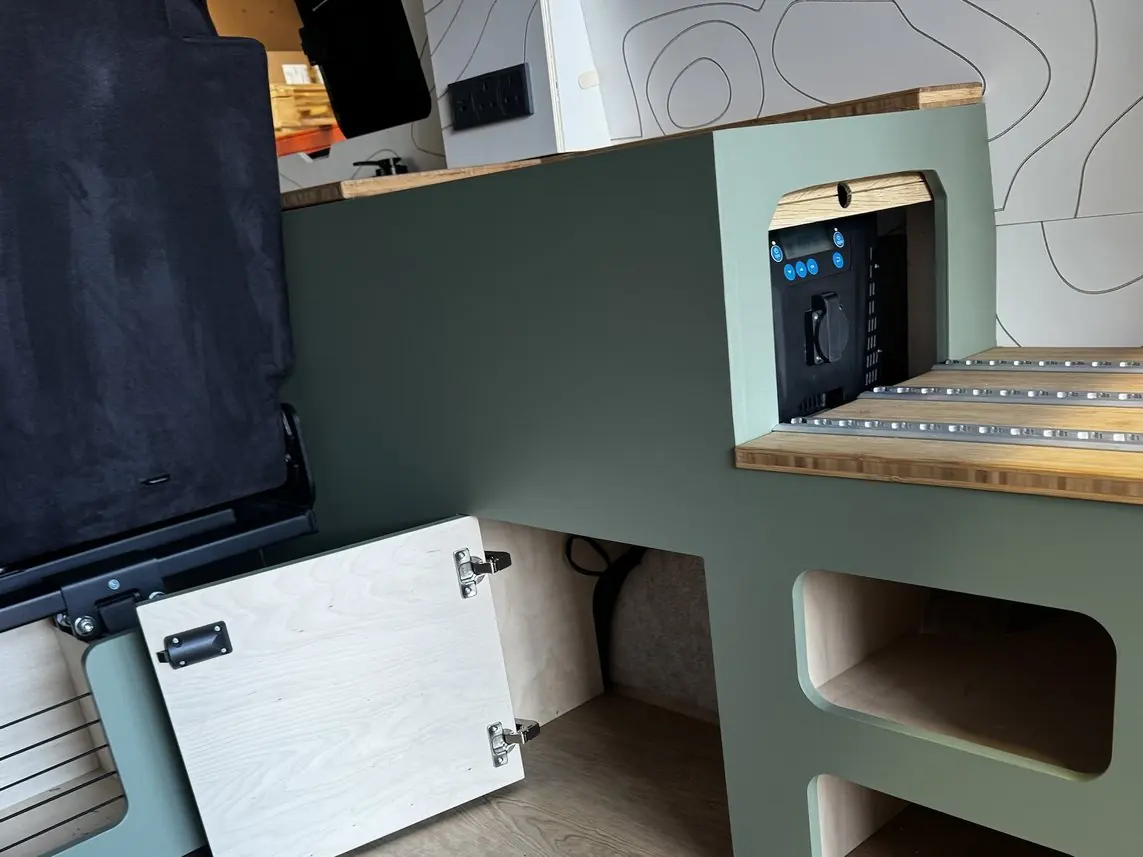
The heart of your camper's electrical system. The Clayton Power LPS II (2kW or 3kW) is your leisure battery and power management system. It stores energy and automatically manages charging and the supply of power around the vehicle. It sits in the furniture module behind the tambour door towards the rear of the vehicle, where you can reach the display and controls.
12V power
Press the 12V button to switch on or off. This is your lights, fridge, USB sockets and the fan in the heater.
230V power
Press the 230V button to switch on or off. This is your hob and plug sockets.
Battery level
Check the battery level on the display. Clayton’s do not like to be left under 20%, so try to keep it topped up.
Clayton app
Download the Clayton app to control the 12V and 230V, and see your battery level from your phone.
Not sure how long a charge will last? Try the power estimator.
Where your power comes from3 things to know
Off-grid: solar
The 270W flush-mounted solar panel charges your leisure battery on sunny days, and even on pretty cloudy days. Needed when you are stationary for longer periods.
Driving
The vehicle's alternator charges the Clayton unit while you drive.
Hook-up
230V hook-up charges your leisure battery when you are connected to mains power. Most campsites supply power. You will need a 16 amp, 240V extension lead. Needed when you are stationary for longer periods.
How your power system worksInfo
Everything electrical in the living area runs from the Clayton power unit. It stores energy in its battery, takes charge from solar and from mains hook-up, and supplies both the 12V circuits and the 230V sockets. That is what lets you cook on induction without being plugged in.
The 2kW or 3kW rating is how much mains power the unit can supply at one moment. The induction hob is the biggest draw, so running it alongside another high-power appliance is what is most likely to reach the limit.
Quick guide: lights, hob, fridge and heater4 options
The four things you will use every day.
Lighting · 12V
On and off
Quick-press the dimmer switch to turn the lights on or off.
Dimmer
Hold the switch down to dim or brighten.
Touchscreen
If fitted, the Master Light Switch on the touchscreen turns all lights off. Press the dimmer switch to turn them back on.
Cooking · 230V
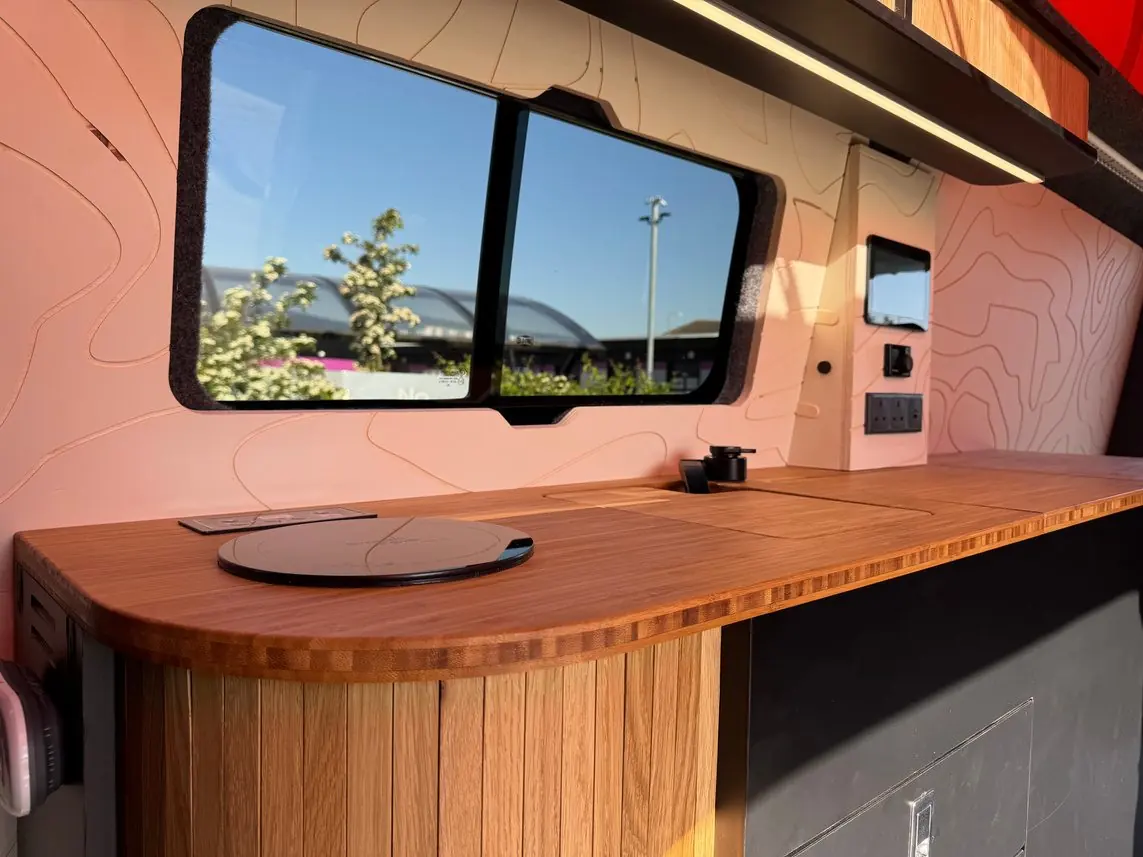
- Press the power button, then Function.
- Place an induction-compatible pan on the hob.
- Use ▲ and ▼ to select the power level, from 1 to 8. 8 is the hottest.
- Press Play/Pause to pause cooking if you need to.
Fridge · 12V
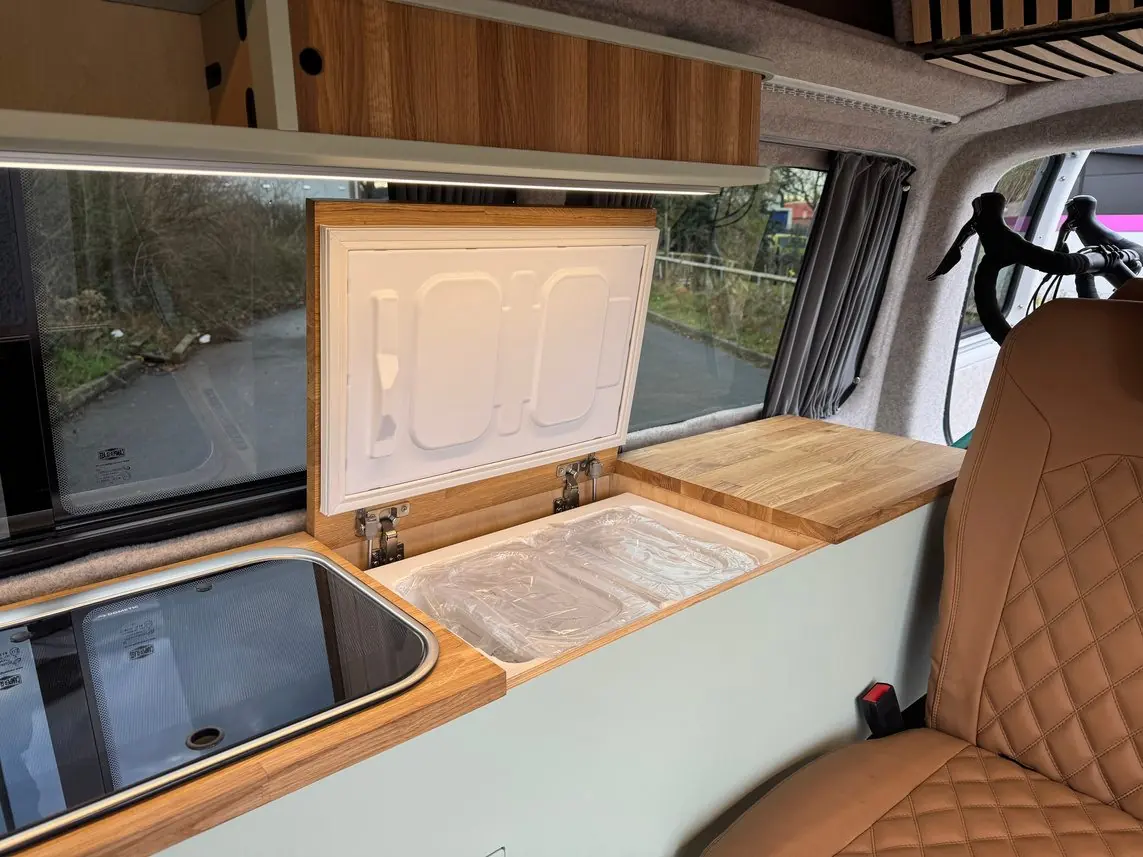
- Hold down the power button to turn the fridge on or off.
- Press the temperature button to change the temperature.
Heating · 12V
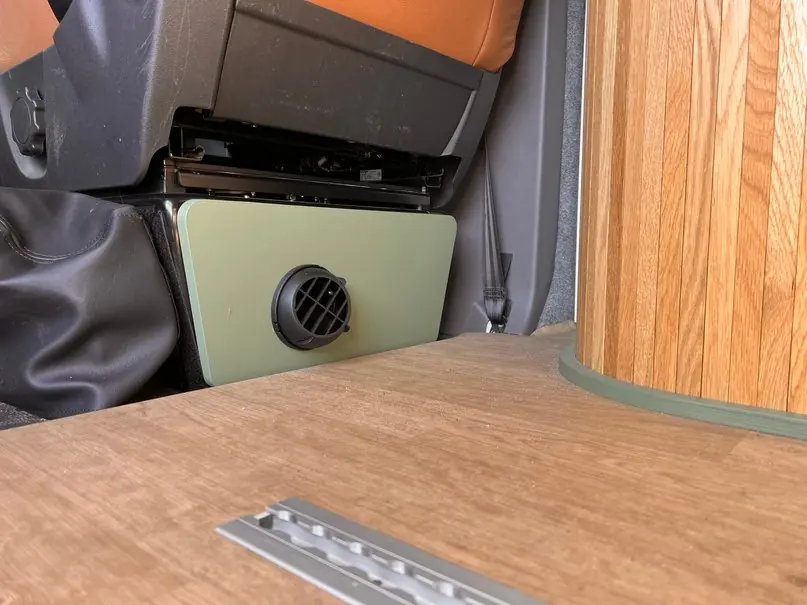
- Press the button. It turns green.
- Turn the dial to select your temperature.
- Press the dial to confirm.
- Press the button again to switch off. It turns white.
More detail in the heater guide.
Something electrical has stopped working4 steps
If something on the 12V side stops working, such as the lights, fridge, USB sockets or heater fan, a blown fuse is the most likely cause.
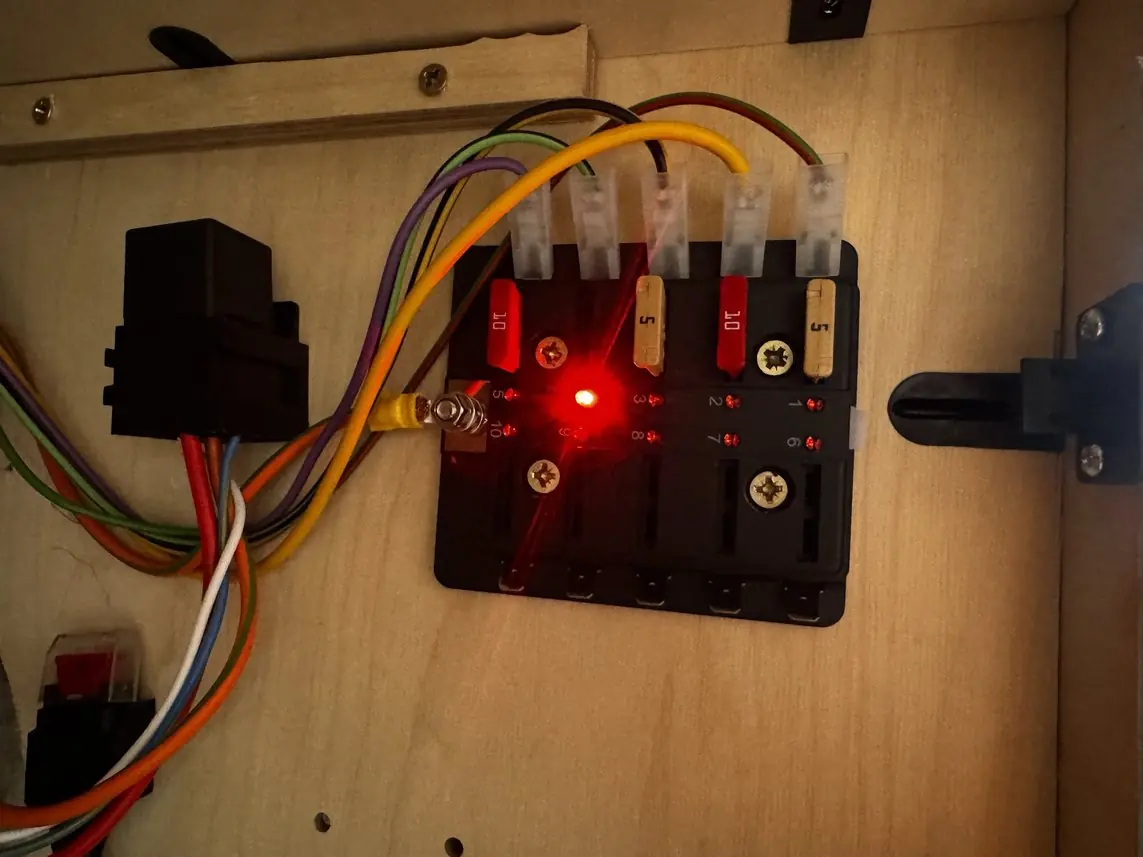
- Check the 12V is switched on at the Clayton unit and that the battery is not low.
- Open the cupboard directly underneath the Clayton. The fuse box is on the wall inside.
- Look for a red light. If a fuse is faulty, the light beside it comes on, so you can see straight away which one it is.
- Swap that fuse for a new one of the same rating. The number is printed on the fuse.
Jump starting from the Clayton unit5 steps
If your vehicle's starter battery has gone flat, the Clayton power unit can give it a temporary charge to help start the engine.
- Turn the vehicle ignition on, but do not start the engine.
- On the Clayton display, go to Main Menu → DC Charging → Jump Start.
- Select Active and press OK. If you have the optional remote, simply press the Jump Start button.
- The unit charges the starter battery for about 5 minutes. On the remote, the light flashes green while it is working.
- When the charging cycle has finished, start the vehicle as normal.
Jump Start only works if the Clayton unit has enough charge. If the vehicle does not start after one cycle, let the unit recover for a few minutes before trying again. If the problem persists, the starter battery or vehicle may need attention.
Looking after your power and utilities4 options
A little regular care will keep your systems reliable for years to come.
If you are unsure about any system or notice a fault, please get in touch with us. We are always happy to help, even if you are past your warranty.
Heater
Monthly
Run the heater for at least 15 to 20 minutes to prevent carbon build-up.
Regularly
Make sure the air inlet and outlet are clear and not obstructed.
Inspect
Check the fuel filter and clean or replace it if necessary. Check the exhaust for blockages, cracks or corrosion.
Webasto Air Top 2000. See the heater guide for the control and fault codes.
Clayton unit
Monthly
Fully recharge the unit to 100% to keep it happy.
Long-term storage
Make sure the unit gets a full charge at least every 6 months when the vehicle is stationary or not in use.
When not in use
Switch off the 12V and 230V outputs, and the breaker switch when appropriate, to minimise unnecessary consumption.
Regularly
Check the battery terminals for corrosion and make sure connections are tight and secure.
Solar
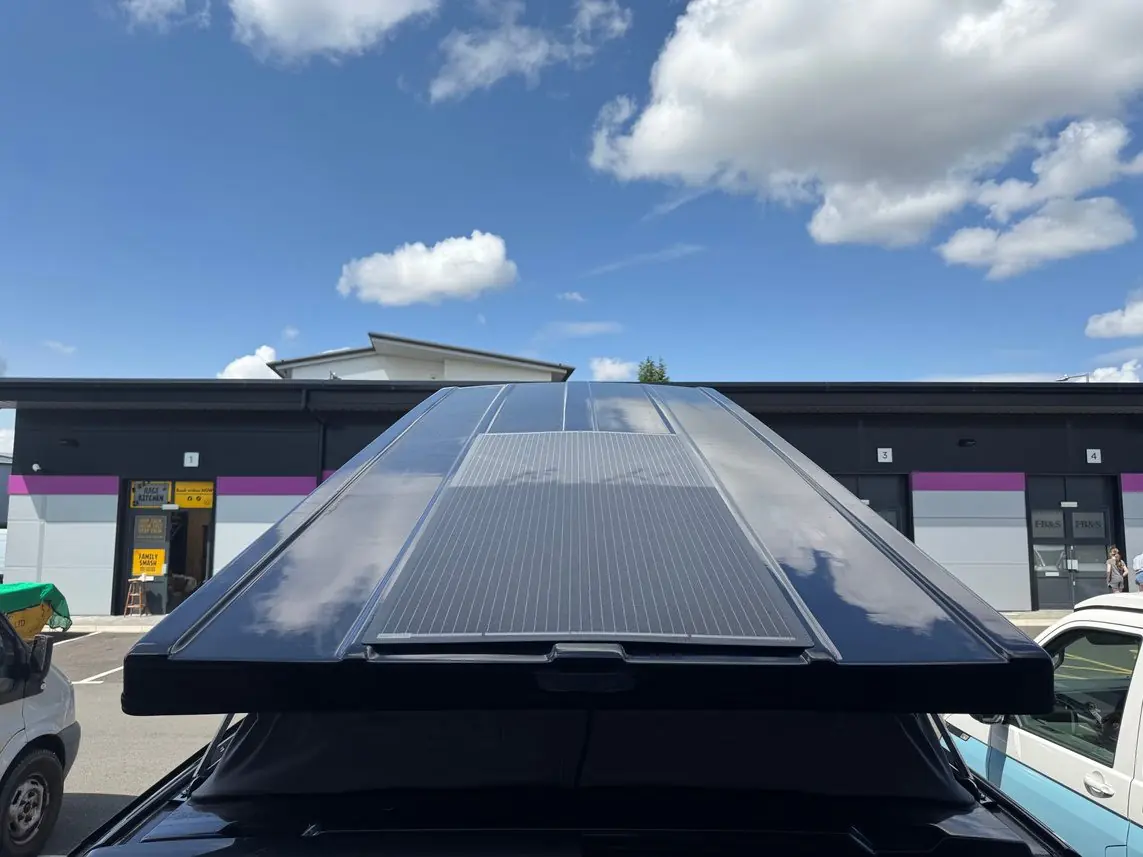
Keep it clean
Remove dirt, leaves and bird droppings for maximum efficiency. Avoid abrasive cleaners.
Inspect
Check from time to time for any signs of damage.
No switch required
Solar charging is automatic whenever there is enough sunlight.
Park in the sun
Park your camper in direct sunlight. If it is stored out of the sun, connect to mains hook-up every few weeks to keep the Clayton unit charged.
Appliances
Keep clean
Wipe down the hob and the inside of the fridge regularly.
Ventilation
Make sure ventilation openings are not blocked.
35 litre top-loading fridge and Sterling Power induction hob. Refer to the manufacturers' manuals for the fridge, hob and alarm.
Clayton unit: buttons and checks5 steps
The Clayton LPS II is a lithium battery, inverter and charger in one box. You control it from two buttons, on the unit itself and on the remote panel. Try the power estimator to see how long yours will last.
- 12V button. Press to switch on the 12V circuits: lights, fridge, water pump, heater and USB sockets. A steady green light means it is on.
- 230V button. Press to switch on the mains sockets and the induction hob. A steady green light means it is on.
- Read the battery level. The row of five lights shows how full the battery is. The display also shows when the unit is charging, and from which source.
- Charging. It charges by itself from the engine while you drive, from the solar panel if fitted, and from mains when you are on hook-up. There is nothing to switch over.
- Switch 230V off when you are done. If nothing is drawing power, 230V turns itself off after 60 minutes to save the battery. Press the button to bring it back.
LPS II 2000 (standard): 1,050 Wh usable, 2,000 W output with surges to 4,000 W. LPS II 3000 (upgrade): 1,900 Wh usable, 3,000 W output with surges to 5,000 W. Clayton rates the full output for up to 10 minutes at a time, with 1,500 W and 2,300 W available continuously.
The inverter that makes 230V uses a little power just by being on. The 60 minute timer is there so an empty socket does not quietly drain the battery overnight.
Fridge: tips and fault lights6 checks
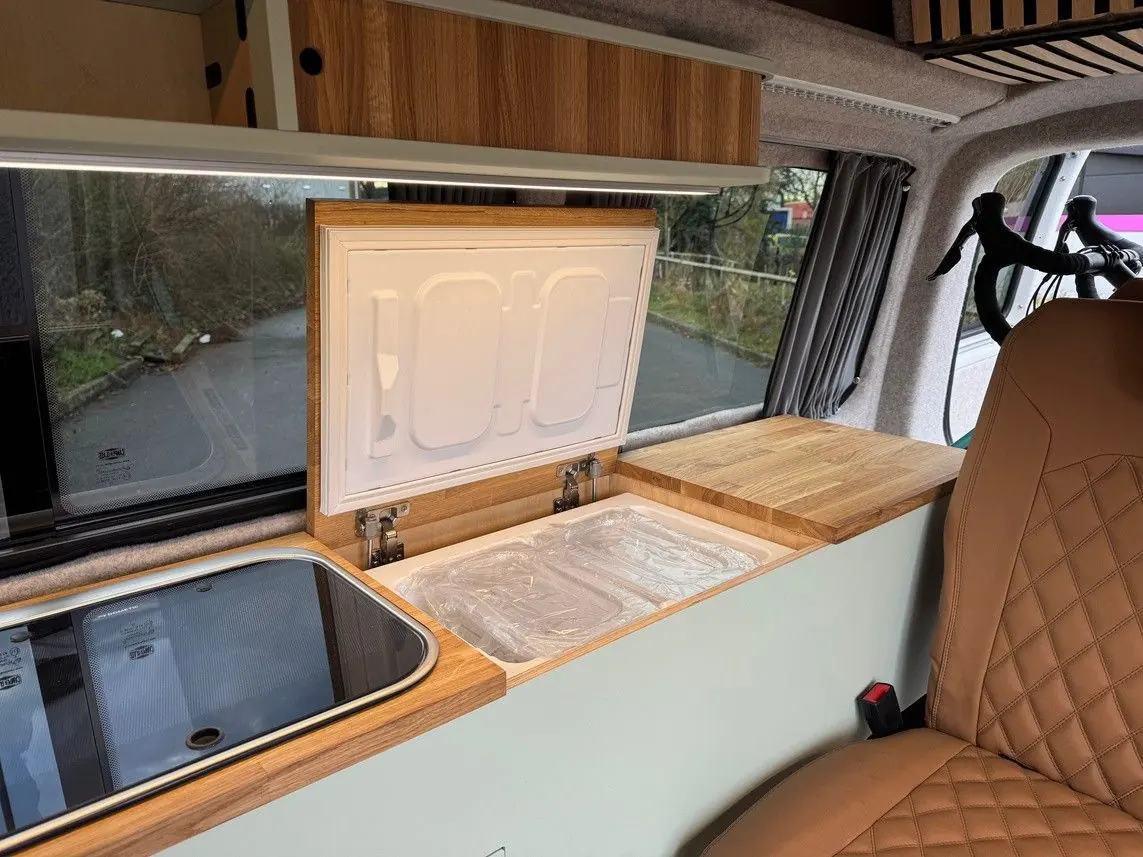
Your fridge is a Vitrifrigo TL 35: a 35 litre top-loading compressor fridge that runs from the 12V system. It draws about 28 W while the compressor is running, and the compressor cycles on and off to hold the temperature.
If the fridge stops and a light on the control flashes, count the flashes between pauses. On Vitrifrigo's compressor electronics, 1 flash means the battery voltage is too low (charge the battery), 2 a fan fault, 3 the compressor could not start, 4 the compressor is overloaded and 5 the electronics have overheated (check the vents are clear and let it cool). For anything other than a low battery, get in touch.
A compressor fridge protects your battery by switching itself off when the voltage drops too low. So a fridge that has stopped is often telling you about the battery, not the fridge.
Mains hook-up3 checks
A cable carrying mains current warms up. Laid out straight, that heat escapes. Left coiled, each loop heats the next and the cable can get hot enough to damage itself.
Something electrical has stopped workingInfo
Check the fuses and circuit breakers first, and reset any that have tripped. If that does not fix it, call or message us.